



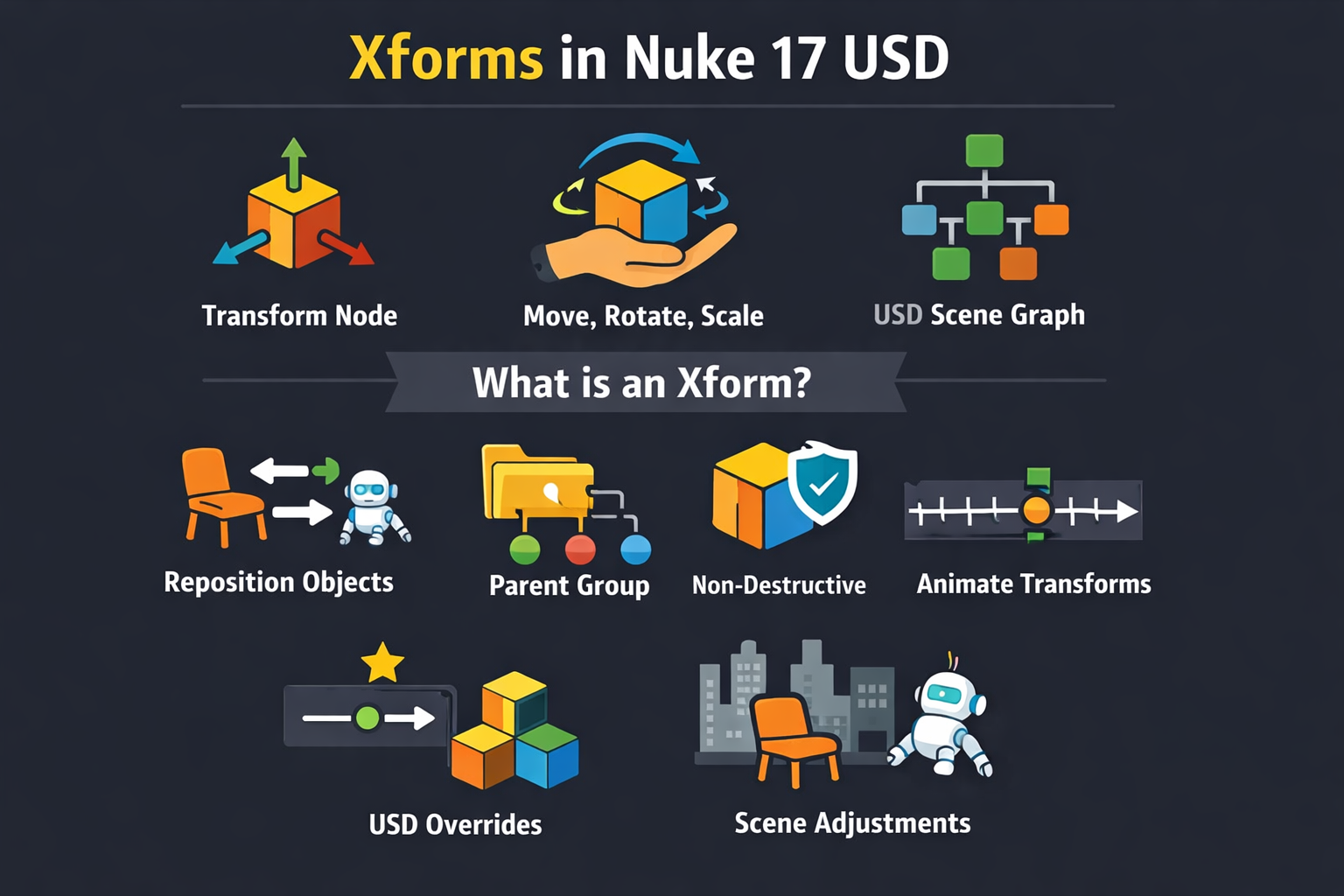
If you’re working with USD in Nuke 17, you’ll hear the word Xform everywhere. But what does it actually mean, and why does it matter for your compositing work?
In simple terms, an Xform in USD is a transform node a way of positioning, rotating, or scaling something in 3D space. But the story behind it is a bit richer than that.
USD and the Scene Graph: A Quick Refresh
Before we talk about Xforms, let’s talk about the world they live in.
USD (Universal Scene Description) organizes everything in a scene in a hierarchy called the Scene Graph. A node in that graph a fundamental element is called a prim. Prims can represent geometry, lights, cameras, or just organizational containers.
Among these prims, some carry geometry data (like a mesh), some carry camera settings, and others carry transform information that’s where Xforms come in.
So What Is an Xform?
In USD, an Xform prim is the standard way to express transformation.
When you want to:
- move an object,
- rotate it,
- scale it,
- or group multiple objects so they move together,
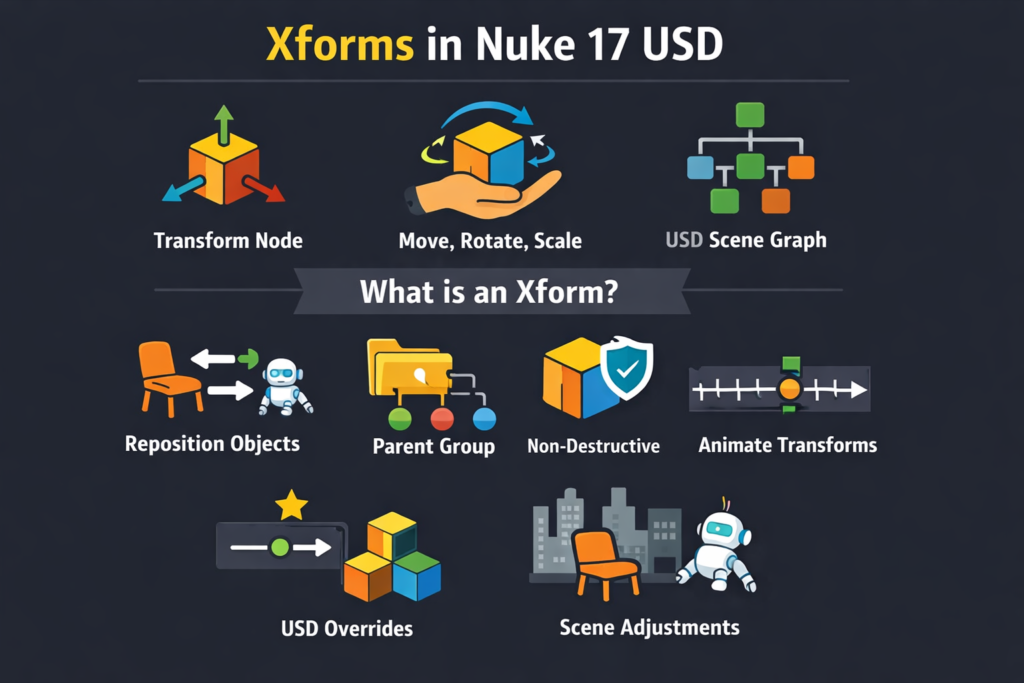
you use an Xform.
It’s essentially the handle you grab to reposition something in world space.
Unlike a mesh prim (which defines geometry), or a camera prim (which defines camera settings), an Xform doesn’t by itself draw anything. It just transforms.
In Nuke 17’s USD workflow, the GeoXformPrim node is how you create and manage these transform prims directly inside your USD Stage.
Xform vs Other Prims: What’s the Difference?
Think of USD prims like documents in a filing system:
- A mesh prim is a document with geometry the “what.”
- A camera prim is a document with view settings the “how you see it.”
- An Xform prim is the instruction sheet for where and how something sits the “where.”
In traditional CG packages, transforms might be implicit or threaded into the object. In USD they are explicit objects in the Scene Graph.
This explicit nature is important for compositing especially when breaking up scenes, instancing, or integrating multiple artists’ work.
How Xforms Work in Nuke 17 USD?
In Nuke 17 you interact with Xforms typically through the GeoXformPrim node. Here’s what it lets you do:
1. Reposition anything
Want to move a CG prop left, right, up, or down relative to your camera?
Xform handles that.
2. Rotate for framing or matchmove
Whether it’s aligning a CG plate to live action or adjusting orientation for reflection catches, Xforms give you precise control.
3. Scale uniformly or non-uniformly
Need that tree 1.5× bigger or that rock half the size for better visual balance? Xform scales it without editing the geometry itself.
4. Group and transform multiple objects
Because Xforms can parent objects underneath them, you can take a set of prims a robot and its base, or a set of parked cars and treat them as a single unit.
This makes hierarchical animation, shot variation, and lookdev alignment much simpler.
Why Xforms Matter to Compositors
You might be thinking: I’m a compositor why should I care about 3D transforms?
Here’s why:
They simplify positioning
Instead of restructuring a mesh externally, you can nudge objects in place directly in Nuke’s USD Stage.
They keep transforms non-destructive
Because Xforms live as separate prims, they don’t overwrite original animation data. You add transform layers without touching the source.
They let you animate transform over time
If your comp needs a parallax tilt or a slight reposition to match plate shifts, an Xform can be animated in the USD context without altering the original rig or mesh.
They integrate with other USD concepts
Xforms work smoothly with:
- References
- Overrides
- Layers
- Variant Sets
That means your transform edits can exist in a clean, layered, versioned way.
A Simple Example
Let’s imagine a simple scene:
A table,
a chair,
and a robot prop.
Each might come from a separate USD file.
When you bring them into a single stage in Nuke 17, they each have their own default transforms.
Now you want to arrange them:
- Place the chair next to the table.
- Rotate the robot for a better angle.
- Scale down the robot so it looks proportionate.
You don’t edit the geometry.
You create an Xform prim for each object.
Then you:
- translate the chair’s Xform,
- rotate the robot’s Xform,
- scale them as needed.
Nuke’s GeoXformPrim node lets you do all of this inside the USD Stage.
Why Xforms Make USD Powerful
With Xforms, you can:
Group objects without deforming them
That means:
Parent multiple prims under one transform,
and move them together cleanly.
Animate transforms cleanly
Animation stays on the transform prim,
not buried in geometry caches.
Apply overrides at the transform level
You can override an Xform’s values
without touching original assets.
In Nuke 17 USD:
- An Xform is the transform container.
- It lets you move, rotate, and scale anything in 3D.
- It keeps transforms separate from geometry.
- It makes hierarchical control simple and non-destructive.
If you know how to use Xforms,
you can:
- position CG elements faster,
- align them precisely with live action,
- group scene assets intuitively,
- and iterate without breaking original data.
In short:
Xform = your transform handle in USD.
And in Nuke 17,
Xform mastery is a compositing superpower.