



A Scope is similar to an Xform, but with one key difference:
👉 it cannot be transformed.
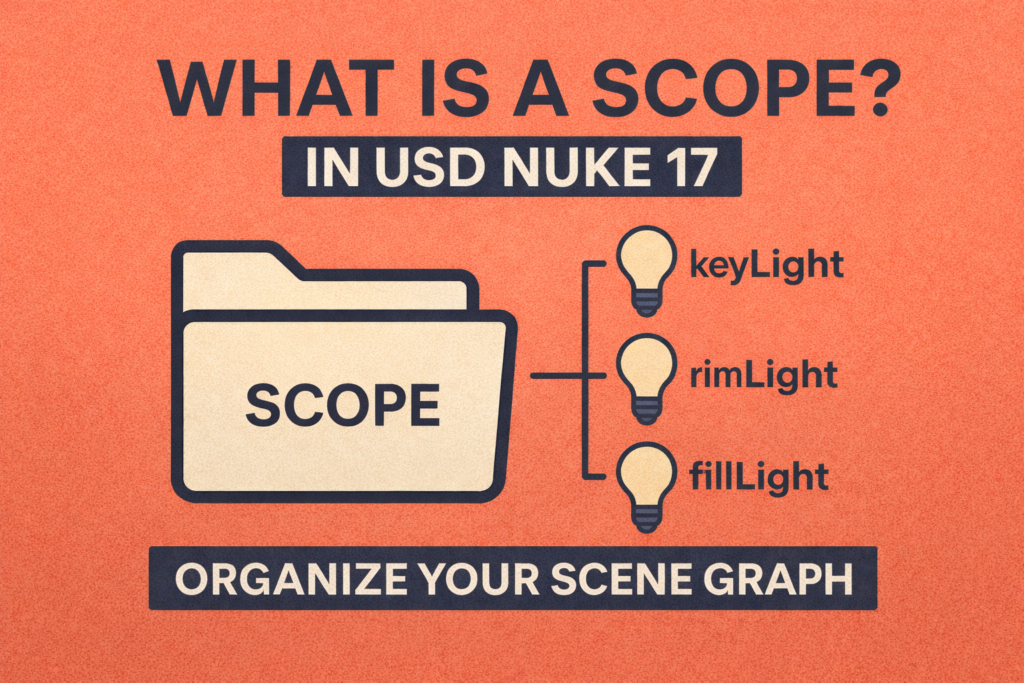
Scopes are used purely for organisation. They help keep your Scene Graph clean without affecting position, rotation, or scale.
Example:
If you want to group all lights together:
root
└─ lighting (Scope)
   ├─ keyLight
   ├─ rimLight
   └─ fillLight
Scopes are perfect for:
• Grouping lights
• Organising props
• Separating departments
• Keeping large USD scenes readable
This video is part of a beginner-friendly USD for compositors series focused on Nuke’s New 3D System.
In this video you will learn:
• What a Scope prim is in USD
• Scope vs Xform explained simply
• Why Scopes cannot be moved or rotated
• How Scopes help organise complex scenes
• A practical lighting example using Scopes in Nuke