


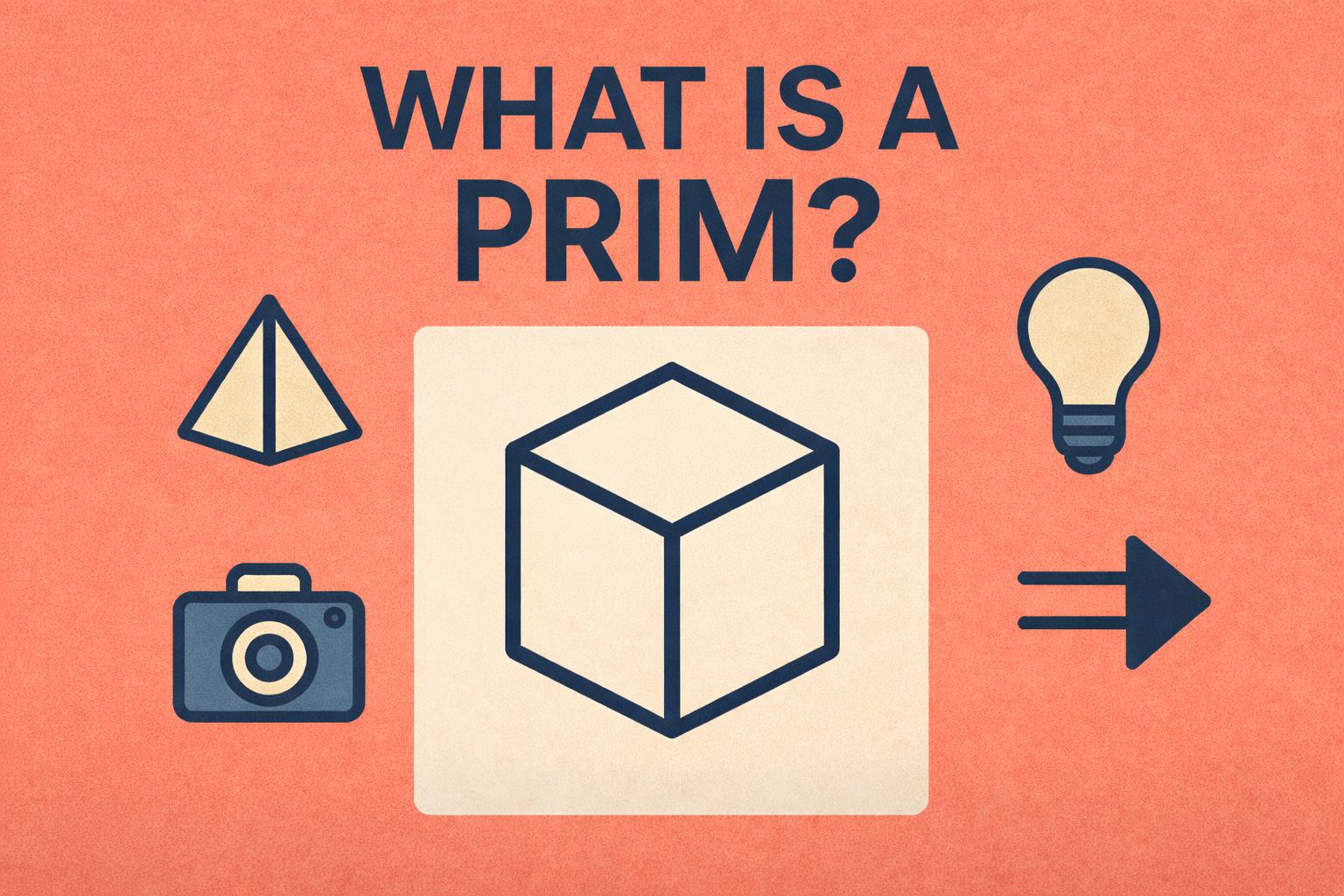
If you open a USD scene in Nuke 17 and feel overwhelmed by the Scene Graph, here’s the secret: everything you are looking at is a Prim.
A Prim, short for primitive, is the most basic building block in USD. If something exists in your 3D scene, it is a Prim. Geometry, cameras, lights, materials, transforms, even empty groups. All of them are Prims.
Think of a Prim like a noun in a sentence.
A chair is a Prim.
A camera is a Prim.
A light is a Prim.
Even a folder that holds other objects is still a Prim.
This is why the Scene Graph looks like a hierarchy. It is not showing files or nodes. It is showing relationships between Prims.
For example, a simple scene might look like this:
/room
/room/table
/room/table/chair
Each line is a Prim. The chair belongs to the table. The table belongs to the room. Move the room Prim, and everything inside it moves too.
Prims also carry information called attributes. These include visibility, transforms, materials, subdivision settings, and more. When you change a value in Nuke, you are not editing geometry directly. You are authoring an opinion on a Prim.
This is why USD feels different from classic 3D workflows. Instead of baking changes into objects, you are layering instructions onto Prims. That makes everything non destructive and collaborative.
So when learning USD, do not think in terms of nodes or meshes first. Think in terms of Prims. Once that clicks, the Scene Graph stops being scary and starts making sense.
Everything is a Prim.