


Autodesk has officially launched 3ds Max 2026, bringing a host of new features and performance improvements to the popular 3D modeling and rendering software.
Features:
OpenPBR as Default Material – Physically-based shader with MaterialX and OpenUSD support for better interoperability.
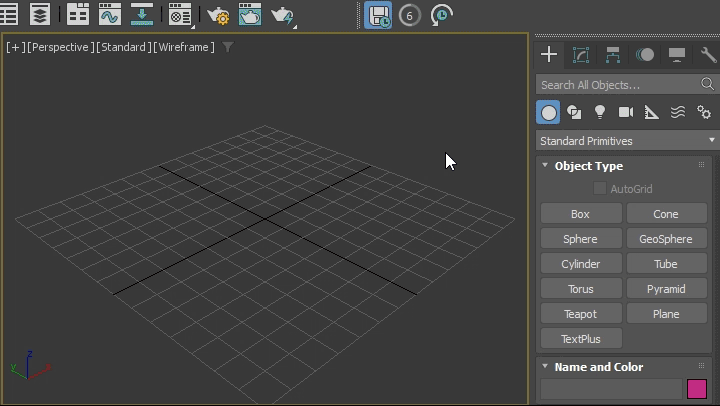
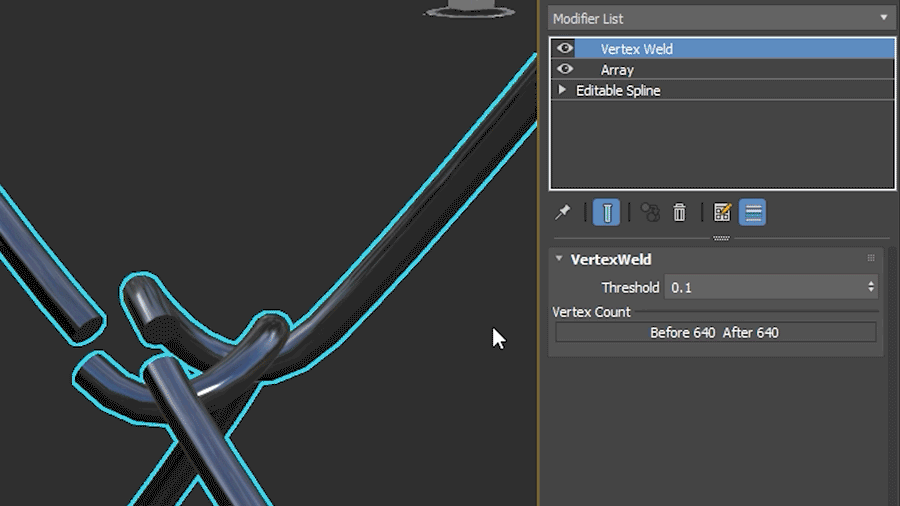
Vertex Weld Modifier Update – Now works with both Mesh and Spline objects, improving spline cleanup and editing.
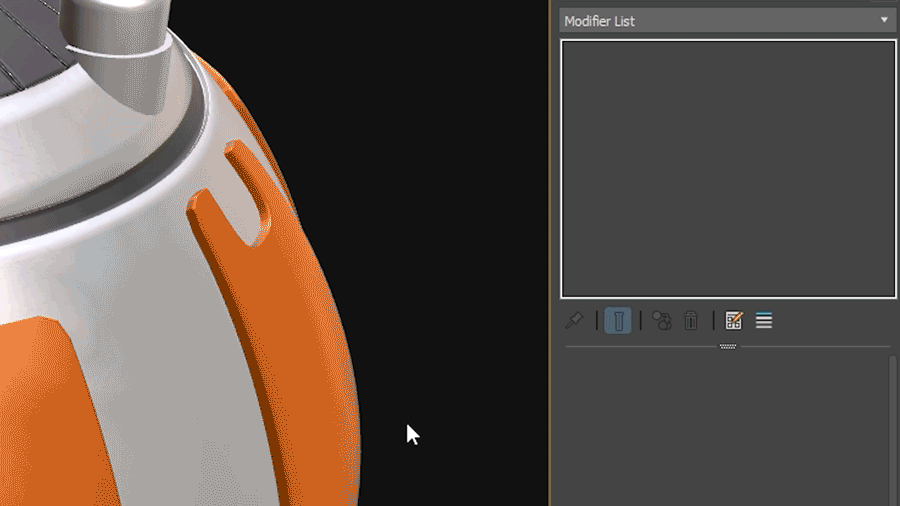
Preserve Stack Position – New toggle in Modifier Stack Controls to streamline workflow when switching objects.
Performance Boosts – Boolean Modifier up to 40% faster, Array Modifier up to 15% faster.
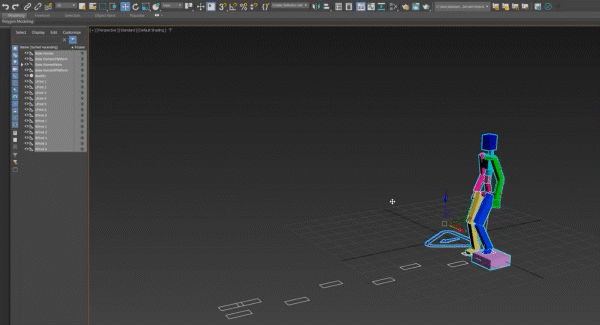
Animation Enhancements – Viewport optimizations, CAT updates, and workflow improvements.
New Open Shading Language Maps – Includes Perlage Map (groove patterns), Flow Map Transform (anisotropy control), and Numbered File Name v2 (frame sequence management).
New Spline Rectangle Mode – Three-point rectangle creation for more flexible shape alignment.
Retopology Tools v1.6 – Faster ReForm algorithm, cloud-based Flow Retopology supports 50 jobs/month.
USD for 3ds Max v0.10 – New Layer Editor, light linking, USD BasisCurves viewport support.
Substance & Arnold Updates – Substance v3.0.5, Arnold MAXtoA 5.8.0 (Cryptomatte GPU optimizations, viewport support for directional lights).
Alembic Enhancements – Motion blur controls, improved volume intersection using OpenVDB, optimized instancing.
MaterialX v1.38.10-OpenPBR – Better layered materials support, improved metallic behavior in OpenPBR.
Scene Converter Preset – Converts Physical Material & Arnold shaders to OpenPBR.
With these enhancements, 3ds Max 2026 aims to improve efficiency, rendering quality, and interoperability for artists and studios. For a full breakdown of the latest features, Autodesk’s official documentation provides detailed insights.

For more details, visit Autodesk’s official documentation.